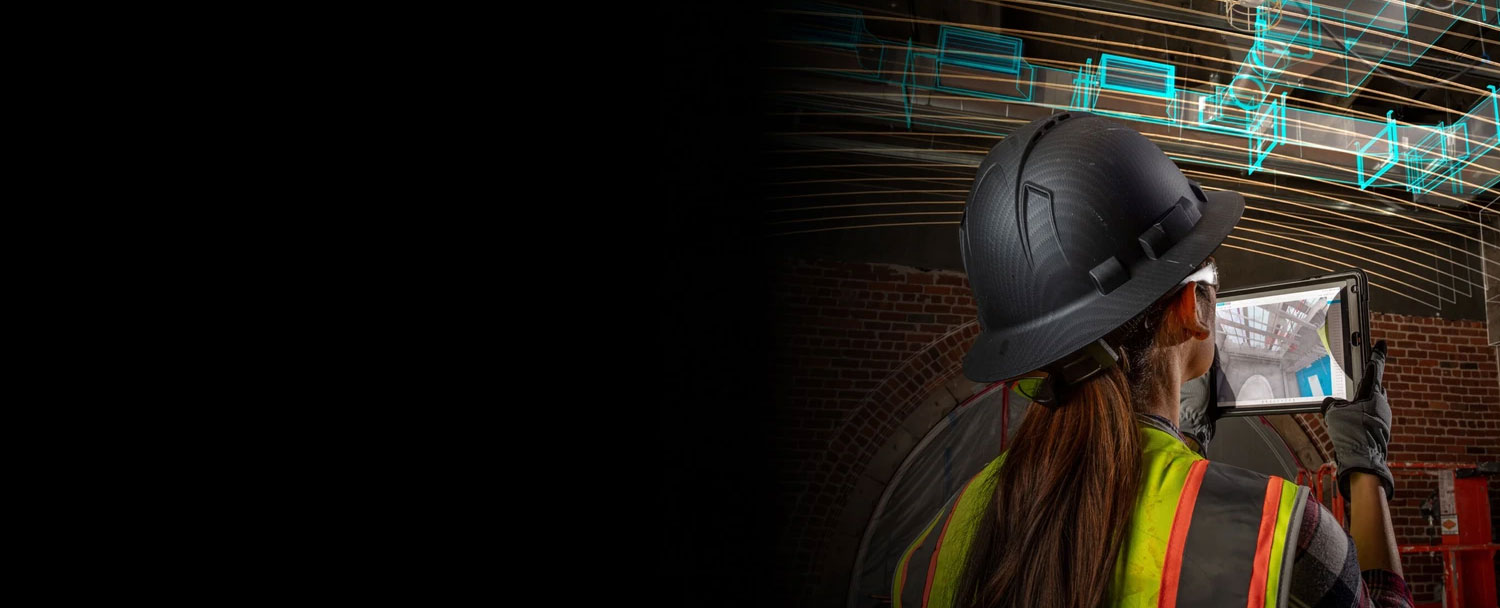
Autodesk Build is a cloud-based platform accessible from any device, enabling project teams to collaborate and stay connected regardless of their location.
CONTACT US
or call 0919-019-964

Designed for organizations requiring advanced workflows such as cost management, RFIs, scheduling, and asset management.

Ideal for teams getting started with drawings, models, logs, forms, and issue management.
Building the Future
with Forma Build
What is Forma Build?
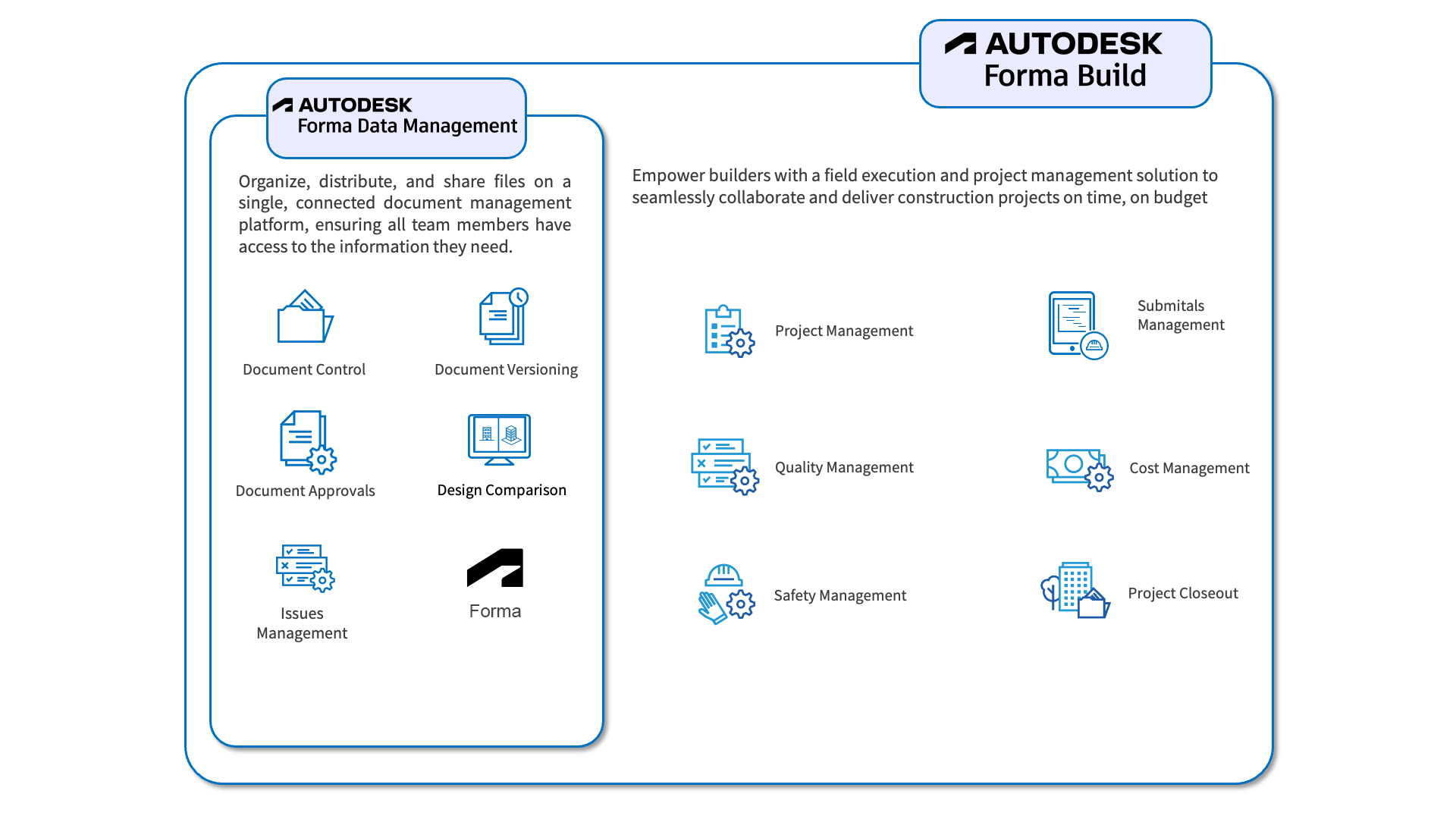
Forma Build (formerly Autodesk Build) is a product within the Autodesk Forma platform, offering a comprehensive construction management solution. With advanced tools, Forma Build supports project management, quality control, safety assurance, cost management, and digital asset handover, optimizing workflows and enhancing collaboration in construction projects.

Autodesk Build includes
the features of Autodesk Forma Data Management
Enhance project information control
from design to construction, connecting teams
from the office to the job site.

Deliver information to the right people at the
right time

Digitize the information exchange process (RFIs, Submittals, etc.)

Link information to drawings and 3D models

Mobile app for site management
Key Features of
Forma Build
Optimize the BIM Model Integration Process
Digitize Workflow Processes
Optimize the BIM Model Integration Process
Centralized Management of Construction Drawings
BIM Model Information Verification
Centralized Issue Management
Digital Asset Handover
Centralized Management of Construction Drawings
Manage all construction drawings in a single, reliable source. Pin locations of issues, safety hazards, and defects directly on drawings, with the ability to attach documents and illustrative images.
Allows users to review and inspect BIM model information through smart devices directly at the construction site, ensuring that the project is built accurately according to the BIM design.
Manage project issues on a single platform, making it easy to track construction defects and their resolution.
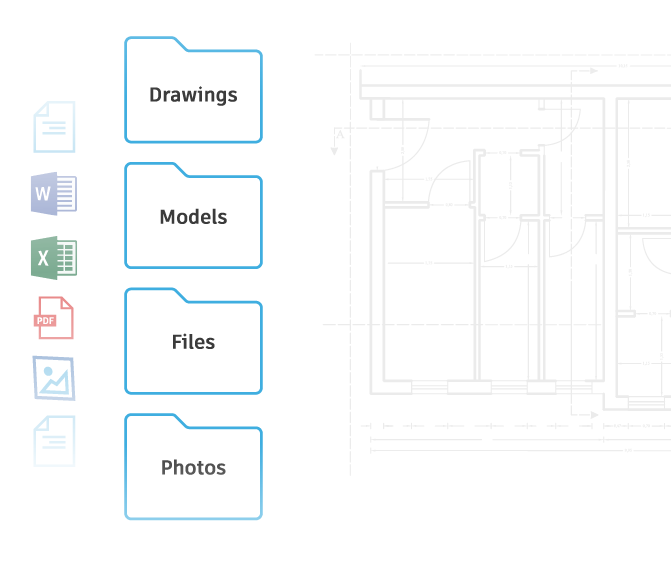
A centralized repository for all project data (drawings, 3D models), enabling faster and more efficient digital asset handover.
Manage Request for Information (RFI) processes efficiently
Manage submittal documentation efficiently
Support collaboration with project schedule data
Digitize acceptance records
Digitize meeting management and storage
Manage Request for Information (RFI) processes efficiently
Leverage the power of technology to digitize the request-for-information process or facilitate communication regarding any issues arising from the project.
Utilize digital technology to streamline the submission and approval process for design changes, construction methods, materials, or any other project components requiring approval. Easily manage and categorize different types of submissions efficiently.
Store and manage schedule data in a single source of truth, facilitating information sharing and work planning to minimize costly delays and rework.
Digitize acceptance records and quality and safety inspections of construction projects, standardizing data collection to ensure all critical project information is fully documented.
Equip your project team with the tools to optimize every meeting. Ensure everyone stays informed by providing easy access to recorded commitments and systematically organized meeting minutes. Keep your team on track and enhance efficiency with streamlined visibility and management.
Enjoy the best offers at
OneCAD Vietnam, Autodesk’s strategic partner in Vietnam
Other Features of
Forma Build
Optimize Every Aspect of Construction
Library for storing project images and videos
Record what happens on the construction site and tag your project images to provide clearer context. It helps track project progress, issues, and related concerns effectively, quickly generating progress update reports.
Extract project data
Provide tools to visualize data, allowing users to extract relevant project data and visualize this data through tools such as Power BI.
The benefits of Autodesk Build
for the construction industry
Enhance performance and ensure quality with the comprehensive
integrated solution Autodesk Build
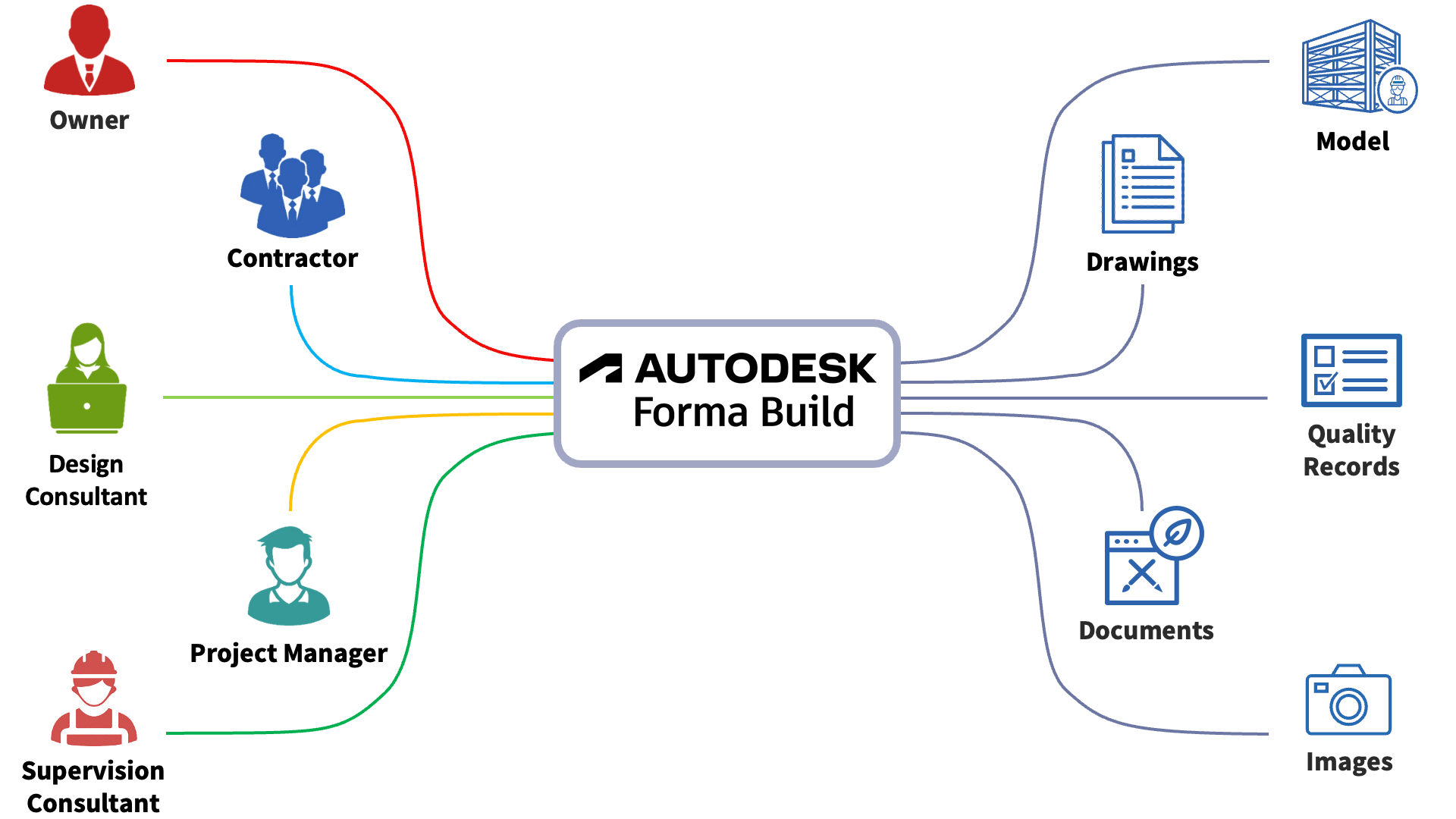
Enhance collaboration and communication
Create a collaborative work environment with the ability to share information and data in real-time. This not only improves communication but also enhances consensus among stakeholders.
Improve project
quality
Ensure the highest quality standards with advanced quality control tools. The ability to track and manage quality helps identify and resolve issues quickly, keeping the project always in compliance with requirements.
Ensure worker
safety
Enhance workplace safety with integrated safety management processes. Regular safety checks and reports are conducted, helping to minimize risks and create a safer work environment.
Save time
Provide tools and optimized workflows to reduce the time needed for project management activities. Efficient workflows ensure that every task is completed on time.
Improve the tracking process
Ensure that project progress tracking is carried out more accurately and efficiently through digital management, thereby enhancing project management capabilities.
Support the decision-making process
With powerful analysis and reporting tools, Autodesk Build provides accurate and timely data, supporting managers in making decisions based on reliable information.
Solution investment efficiency
65%
Reduce RFI
response time
—————-
KTC
Source: Cited from Autodesk customer survey data
Roles and Administrative Scope in
Forma Build Essentials và Forma Build in
| Role | Functions & Administrative Scope | Forma Build Essentials | Forma Build |
|---|---|---|---|
| Hub Admin | Project setup and management | ✓ | ✓ |
| Member management | ✓ | ✓ | |
| Company and Organization management | ✓ | ✓ | |
| Project template management | ✓ | ✓ | |
| System configuration | ✓ | ✓ | |
| Custom roles | ✓ | ||
| Shared library management | ✓ | ||
| Integrated app management | ✓ | ||
| External system integration | ✓ | ||
| Project Admin | Member management | ✓ | ✓ |
| Company and Organization management | ✓ | ✓ | |
| Cross-project data sharing and connectivity | ✓ | ✓ | |
| Project activity log | ✓ | ✓ | |
| System and project notifications | ✓ | ✓ | |
| Project configuration | ✓ | ✓ | |
| Project location management | ✓ | ✓ | |
| Project handover management | ✓ | ||
| Data classification management | ✓ |
Feature comparison between
Forma Build Essentials and Forma Build
| No. | Module | Feature | Forma Build Essentials | Forma Build |
|---|---|---|---|---|
| 1 | Data Management | Files | ✓ In the Build interface | ✓ In the Data Management and Build interfaces |
| 1.1 | Custom attribute | ✓ | ||
| 1.2 | Advanced file settings | ✓ | ||
| 1.3 | Saved search (create private, create shared, access shared) | ✓ | ||
| 1.4 | Packages workflow | ✓ | ||
| 1.5 | Auto-trigger workflow | ✓ | ||
| 1.6 | Extract pages by Drawing Title block | ✓ | ||
| 1.7 | Smart folders | ✓ | ||
| 1.8 | Permissions Settings | ✓ | ||
| 2 | Data Management | Transmittals | ✓ | |
| 3 | Reviews | ✓ | ||
| 4 | Specifications | ✓ | ||
| 5 | Insight | ✓ | ||
| 6 | Build | Files | ✓ | ✓ |
| 7 | Sheets | ✓ | ✓ | |
| 8 | Issues | ✓ | ✓ | |
| 9 | Forms | ✓ | ✓ | |
| 10 | Photos | ✓ | ✓ | |
| 11 | RFIs | ✓ | ||
| 12 | Submittals | ✓ | ||
| 13 | Meetings | ✓ | ||
| 14 | Correspondence | ✓ | ||
| 15 | Schedule | ✓ | ||
| 16 | Assets | ✓ | ||
| 17 | Reports | ✓ | ||
| 18 | Bridge | ✓ | ✓ | |
| 19 | Platform | Autodesk AI | ✓ Only available in the Project-based and Value-based plans | |
FAQs
Can I sign up for a trial of Forma Build?
Yes, you can sign up for a 30-day trial of Forma Build.
Can I access Forma Build on mobile devices?
Yes, you can access Forma Build on mobile devices through the Autodesk Forma, available for download from CH Play or the App Store.
Do users of Forma Build have access to the features of Autodesk Forma Data Management?
Since Autodesk Build includes the features of Autodesk Forma Data Management, users of Forma Build can access the features of Autodesk Forma Data Management.
Can non-BIM projects use Forma Build?
Non-BIM projects can still use Forma Build. For more details on this, you can refer here.
Forma Build is a product of the Autodesk Forma platform, allowing project teams to collaborate and stay connected no matter where they are.

Autodesk Forma helps connect workflows and data across teams at all stages of construction to minimize risks, maximize efficiency, and increase profitability. A specialized software for the construction industry – designed to enhance collaboration. With key software including:



Views: 17,744