
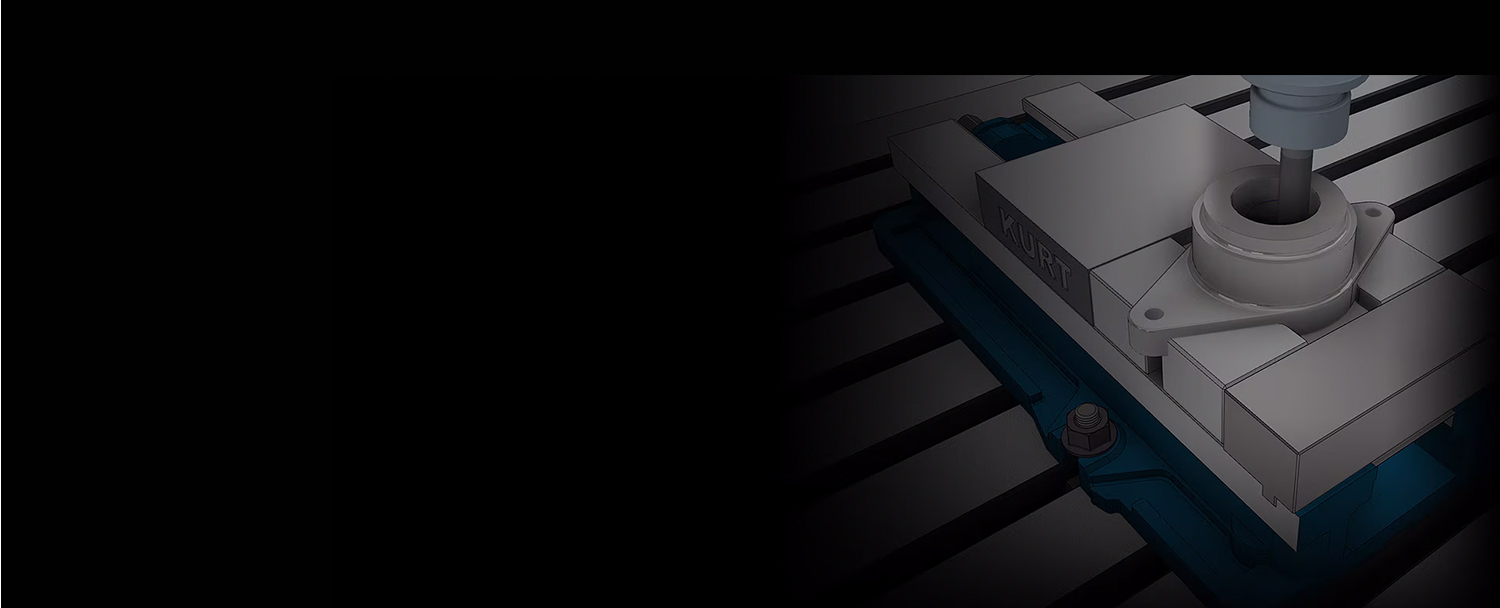

The integrated CAM software for Inventor simplifies the CNC programming process
CONTACT US
or call 0919-019-964
Overview about
Inventor CAM
What is Inventor CAM?
Autodesk Inventor CAM simplifies the machining process with integrated CAD-based 2.5- to 5-axis milling, turning, and mill-turn capabilities.
- A seamless workflow to quickly turn designs into machined parts directly within Inventor.
- Save time with a streamlined review and approval process.
- Enhance alignment and communication between project teams.
Turn your design ideas into machined parts with a familiar user interface.
Inventor® CAM simplifies the machining process with integrated 3-axis, turning, and 5-axis milling capabilities directly within the Inventor Professional CAD environment.
Inventor CAM is included as part of the Product Design & Manufacturing Collection
Autodesk’s Product Design & Manufacturing Collection (PDMC) is a comprehensive software suite for mechanical design and manufacturing, providing all the tools you need for product design, validation, and production, including:
- AutoCAD
- Inventor Professional
- Inventor CAM
- Inventor Nastran
- Inventor Nesting
- Inventor Tolerance Analysis
- And more

Key features of
Inventor CAM
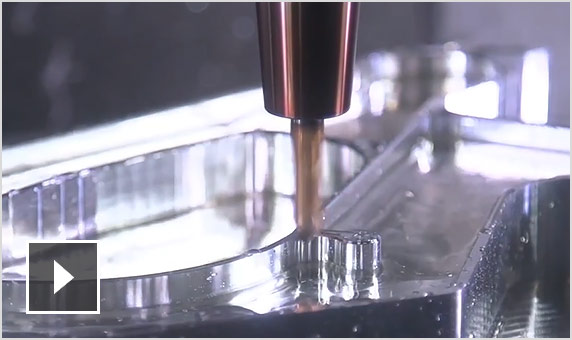
Adaptive clearing
Reduce roughing time by up to 4x and extend tool life.

2.5-axis and 3-axis milling
Generate toolpaths using advanced technology with adaptive offsetting based on part geometry, providing a complete finishing solution.
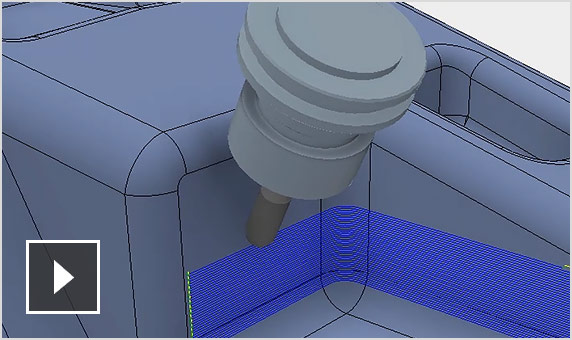
4-axis and 5-axis milling
4-axis and 5-axis machining features support complex models with strategies such as tilting, multi-axis contouring, and ball-end milling.
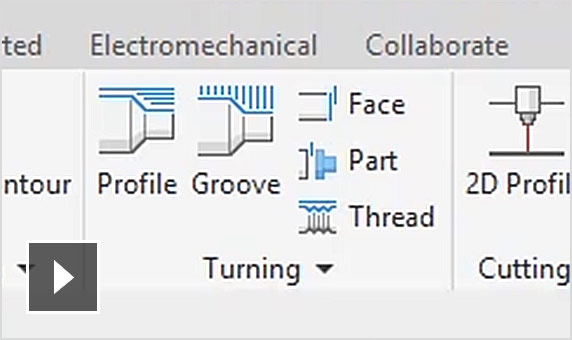
Turning and Mill-Turn
Boost productivity with turning, facing, and traditional grooving operations, with support for Mill-Turn machines.
AnyCAD in Inventor
Design changes in the original CAD file are automatically reflected in the drawing and toolpaths.
Waterjet, plasma, laser cutting
Quickly generate 2D cutting paths with the ability to create all contours on the same plane, add tabs, and customize cut quality.
Probing features
Automatically avoid collisions between fixtures and tools throughout the machining calculation process.
Power optimization
Multi-threaded/multi-core CPU support reduces toolpath calculation time, especially for large and complex parts.
Steep machining
Control tool engagement in steep angle machining by minimizing tool deflection and improving surface finish.
Toolpath simulation
Simulate stock machining, verify toolpaths, and eliminate collisions between spindle, holders, and fixtures.
CNC output editing
Edit common output commands for CNC files.
Analysis tools
Measure distances and view key information such as feed rates, estimated machining time, and more.
Advantages of
Inventor CAM
OneCAD Vietnam offers consulting services for adopting or migrating to Autodesk Inventor CAM.
So, what are the advantages of this software?
Synchronized with the CAD environment
Fully synchronized with the Inventor Professional CAD environment, simplifying workflows without the need to switch between multiple software tools.
Reduce the number of software tools used
The AnyCAD feature in Inventor allows users to directly read files from other design software (Solidworks, Catia, Creo, etc.), enabling them to leverage Inventor regardless of which CAD software was used to create the model.
Save on licensing costs
Inventor CAM is included in the Product Design & Manufacturing Collection, which also features AutoCAD, Inventor Professional, Inventor CAM, Nastran, and more—all offered at a highly cost-effective price.
FAQs
What is Autodesk Inventor CAM used for?
Autodesk Inventor CAM is an integrated tool for creating 2.5- to 5-axis mill and mill-turn toolpath strategies. It also provides tools for waterjet, plasma, and laser cutting.
Who uses Autodesk Inventor CAM?
Autodesk Inventor CAM is used by designers and engineers to create toolpath strategies without leaving the familiar Inventor interface.
Which versions of Autodesk Inventor CAM are available for users?
Autodesk supports users in installing and using the current version (2026) and the three previous versions (2023, 2024, 2025). Installation files are listed in the Autodesk Account when deploying the software.
Note: You need to install Inventor Professional before installing Inventor CAM.
Inventor CAM is an integrated solution within the PDMC software suite and is not available as a standalone licensed product.

Using the Product Design & Manufacturing Collection (PDMC) is an optimal solution in terms of both performance and cost if you require at least one of the following combinations:
Inventor Professional + AutoCAD
Inventor Professional + 3DsMax
Inventor Professional + Nesting
Inventor Professional + HSM (CNC)
Inventor Professional + Nastran In-CAD
Views: 15,043